
Software review
GSPro review: price, PC and compatible launch monitors
GSPro is the software I see recommended most often by serious home builders. It's cheap for what it does; the hidden costs are your PC and, on some launch monitors, a maker plan.
Carry & Spin is reader-supported. If you buy through links on this page I may earn a commission, at no extra cost to you. It never decides what I recommend, and no brand pays to be included. Affiliate disclosure
My verdict
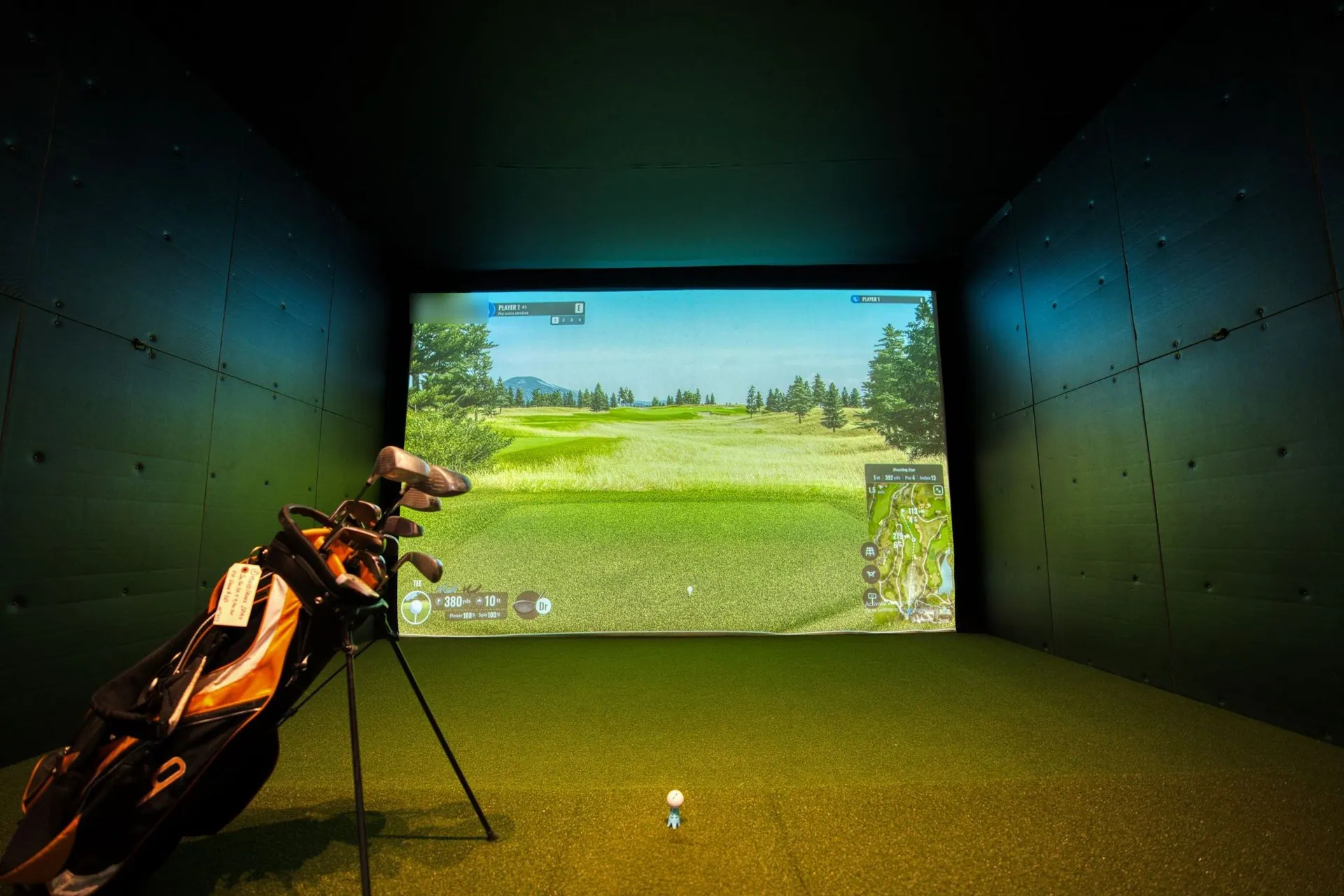
If you have (or will buy) a Windows gaming PC, GSPro is where I'd start. Carl's Place credits it with realistic ball behavior and deep customization of weather, green speed, pins and tees. The downsides it mentions are that community-built courses vary in quality and the replay isn't swing video.
Price
$250 a year. The real cost depends on your launch monitor. Uneekor needs its Pro package ($199/yr), Rapsodo needs Core ($199.99/yr), and Foresight and Bushnell units need Foresight+ Gold ($599/yr) before GSPro connects. See what GSPro really costs on each unit.
PC requirements
| Target | Graphics | RAM | Storage |
|---|---|---|---|
| 1080p minimum | 3060-class GPU | 16 GB | 10 GB free |
| 1080p recommended | RTX 3070 or 3060 Ti | 16 GB | 20 GB free |
| 4K recommended | RTX 3080 or better | 32 GB | — |
Windows 10/11 only. Ethernet and/or Bluetooth depending on the launch monitor.
Supported launch monitors
GSPro's FAQ lists 31 units, including:
- Uneekor: EYE XO, XO2, EYE MINI, MINI LITE, QED, XR
- FlightScope: Mevo+, Mevo Gen2, Xi, X2, X3
- Foresight/Bushnell: GC3, GCQuad, QuadMAX, GCHawk, Falcon, Bushnell Launch Pro
- Garmin R10 and R50; Square Home and Omni; Full Swing KIT; Rapsodo MLM2PRO; Blue Tees Rainmaker; ProTee VX and others
SkyTrak
SkyTrak isn't on GSPro's official list. Owners connect it unofficially, and one owner reports the link breaking when SkyTrak's membership renewal pop-up appears.Courses, OPCD and SGT
GSPro's home page lists 2,500+ community courses, built with OPCD (Open Platform Course Designer). Simulator Golf Tour (SGT) hosts the course server and online tournaments; SGT membership is $80 a year and only needed for tours.
The GSPro course list
You don't need a separate website to find courses: Local Match opens a searchable course list (by name, location or designer, with filters and favorites), and On Course Practice lists courses to play or download. Courses install to C:\GSProV1\Core\GSP\Courses by default.
How to download and install GSPro
- Buy the $250/yr license; GSPro emails your license key and download link.
- Run the installer (.msi). If Windows SmartScreen warns, choose More Info, then Run Anyway.
- Open the GSPro Launcher from the desktop and let it download updates.
- Set resolution and quality, click Play, and enter the license key exactly as it was sent.
There's no free trial. GSPro says a refund requested within 7 days may be issued minus a $15 fee.
Questions people ask
How much is GSPro?
$250 a year (plus tax). Updates are included; the lifetime add-on is no longer offered, though existing lifetime licenses still work.
What launch monitors work with GSPro?
GSPro's FAQ lists 31, including Uneekor, FlightScope Mevo+ and Gen2, Foresight/Bushnell, Garmin R10 and R50, Square Golf, Full Swing KIT, Rapsodo MLM2PRO and Blue Tees Rainmaker. SkyTrak isn't officially supported.
Where is the GSPro course list?
Inside the software. Local Match opens a searchable list of 2,500+ community courses (by name, location or designer, with filters and favorites), and On Course Practice shows courses to play or download.
How do I download GSPro?
After you buy, GSPro emails a license key and download link. Run the installer (.msi), open the GSPro Launcher to pull updates, then enter the key exactly as sent. It's Windows 10 or 11 only.
Does GSPro have a free trial?
No. GSPro doesn't offer a trial; its site says a refund requested within 7 days may be issued minus a $15 processing fee.
Does GSPro run on a laptop?
Yes, if it's a Windows laptop with a dedicated GPU. GSPro lists a 3060-class card for 1080p and an RTX 3080 or better for 4K.
Keep reading
Sources
Every number on this page comes from one of these 6 pages. We checked them on Oct 27, 2026. Prices change often, so confirm before you buy.
- 1.GSPro (pricing, FAQ, requirements) · gsprogolf.com
- 2.GSPro: how to download and install · gspro.gitbook.io
- 3.GSPro: Local Match course list · gspro.gitbook.io
- 4.Carl's Place: GSPro review · carlofet.com
- 5.Golf Simulator Forum: SkyTrak and GSPro · golfsimulatorforum.com
- 6.Golf Simulator Forum: GSPro courses · golfsimulatorforum.com

About the author
Nouman SabirFounder & Editor
Nouman Sabir founded Carry & Spin and edits every page. Nouman reads the makers' manuals and plan pages, retailer listings and owner forums, works out what each setup really costs, and keeps every claim linked to its source. Nouman is a researcher, not a golf pro, and says so.
Expert review panel: PGA professionals and launch monitor testers who advise on the technical side of these guides.


